
Image studio / 01
Generate stunning images from text
Create photorealistic, artistic, or stylized images from your text prompts. Supports various art styles.
Prompt controls
Write a specific product brief, select the available options and generate when you are ready.
Example prompt
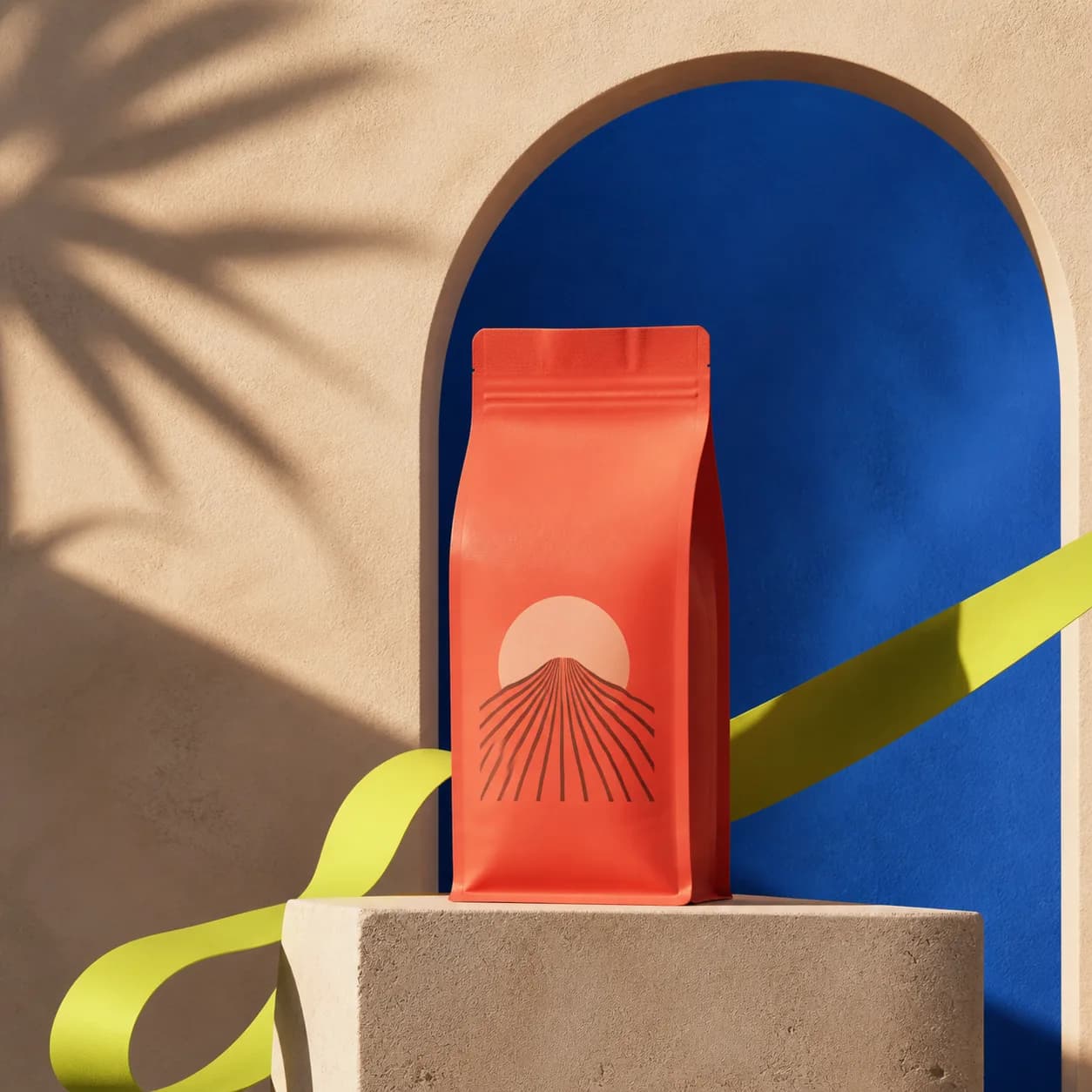
A clear brief becomes a campaign-ready visual.
Mention the product, material, scene and intended use. The model has enough direction to make useful creative choices without losing the point of the image.
Text to image
Example workflow
What to give the tool
“Editorial campaign image of a coral coffee package, cobalt arch, warm sculptural sunlight and a modern retail mood.”
Examples are illustrative. Your own inputs, output settings and current credit price remain in control.
Writing a useful brief
Give the image a job to do.
Product
Name the item, material and condition that must stay consistent.
Setting
Describe the surface, lighting or campaign context around it.
Output
Choose the composition and format required by the final channel.