
01
Preserve the person
Identity and key visual details remain the priority.
Portrait retouch studio
Make a portrait feel cared for without changing the person. Select the finish that matches the intended use.
01 / Source image
02 / Finish
Loading options
Credits are confirmed from your live account configuration before the task starts.
03 / Result
PreviewYour finished image will appear here.
Use a front-facing, well-lit photo for the best result.
ChitraLabs keeps identity, expression, clothing and composition intact while refining the selected level of finish.
Example portrait
A well-lit portrait gives the model room to balance tone and polish while keeping expression, facial features and character recognisable.
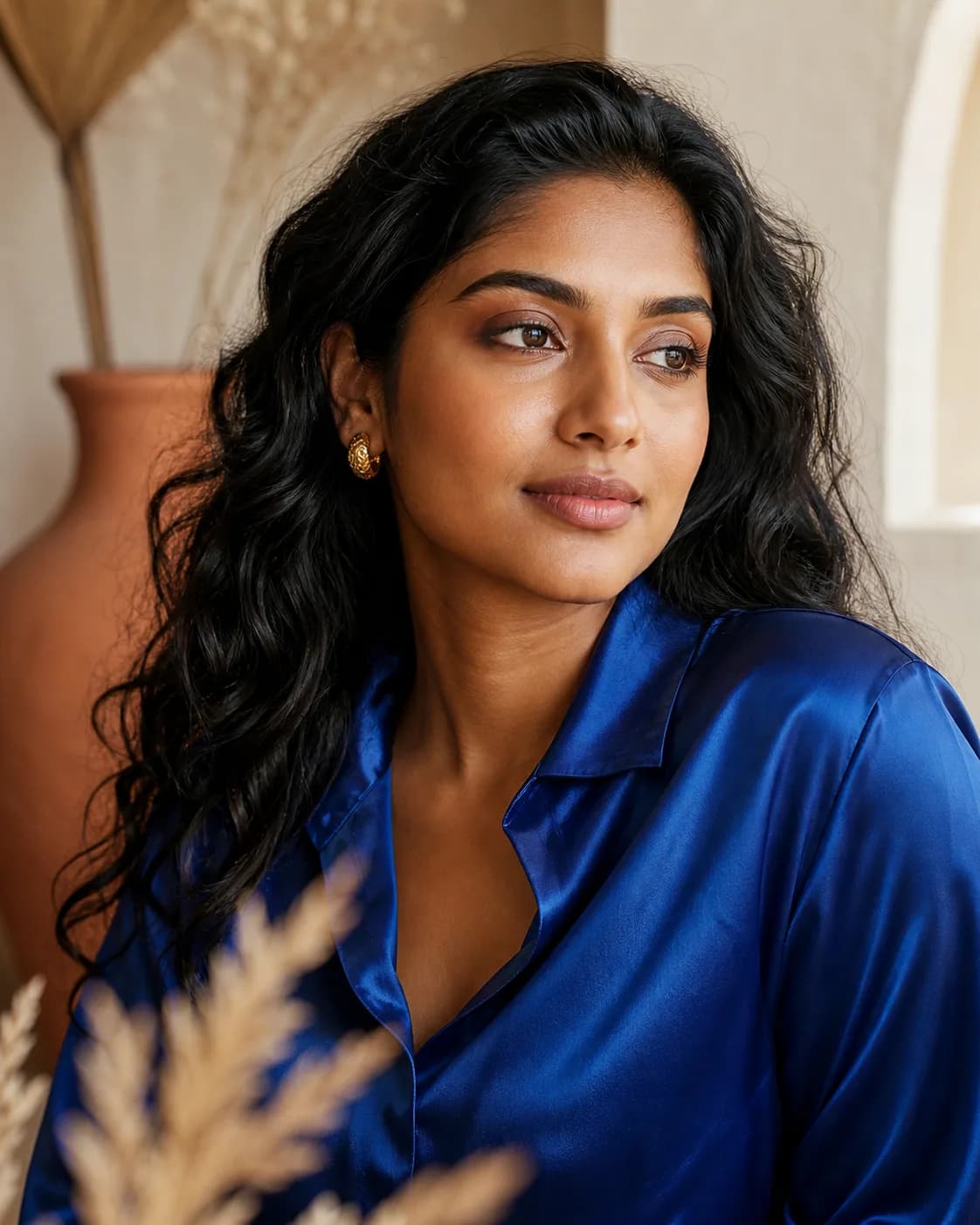
Beauty retouch
Example workflow
What to give the tool
“Natural portrait finish with balanced skin tone and authentic facial detail.”
Examples are illustrative. Your own inputs, output settings and current credit price remain in control.
01
Identity and key visual details remain the priority.
02
No complex setup or editing workflow is required.
03
Your result is kept in Dashboard with the rest of your generated assets.