
01
Preserve the person
Identity and key visual details remain the priority.
Identity photo studio
Build a clean, formal identity photo while preserving the person in your source image. Choose a size, then preview it on the background you need.
01 / Source image
02 / Finish
Loading options
Credits are confirmed from your live account configuration before the task starts.
03 / Result
PreviewYour finished image will appear here.
Use a front-facing, well-lit photo for the best result.
The final source stays transparent. Background colour is applied only for preview and download.
Example portrait
Start with a front-facing image in even light. ChitraLabs keeps the face clear, then prepares a clean identity-photo result with the background you choose.
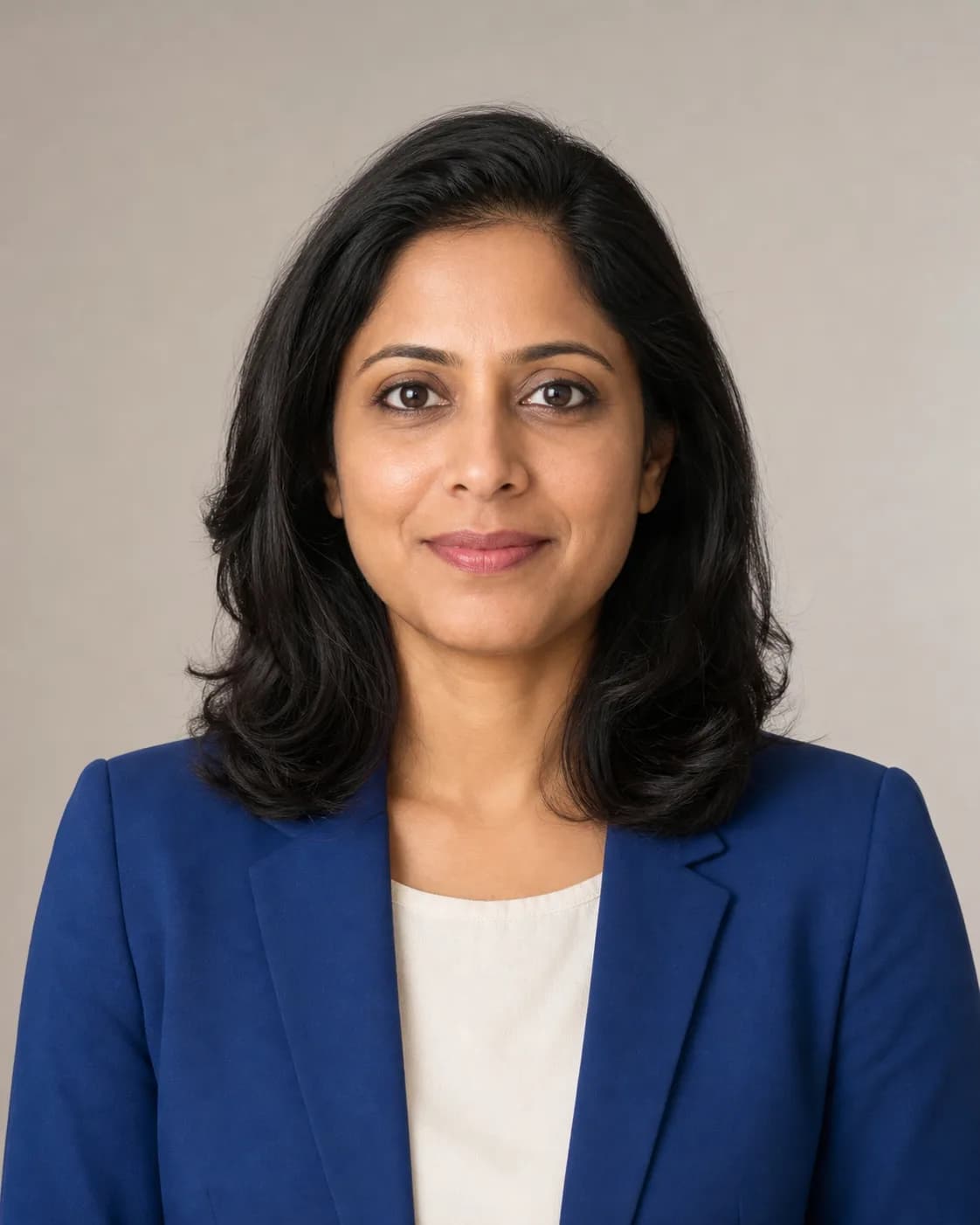
Passport photo
Example workflow
What to give the tool
“Front-facing, even lighting, no face obstruction and shoulders in frame.”
Examples are illustrative. Your own inputs, output settings and current credit price remain in control.
01
Identity and key visual details remain the priority.
02
No complex setup or editing workflow is required.
03
Your result is kept in Dashboard with the rest of your generated assets.